See what’s new at our product, check the updates below
We’re making some important updates to our Connect example recipes for the Outlook Calendar Connector. Our May release updates include RSVP, synchronization and webhook optimizations. These updates are important because they will:Provide a resolution to the 200 limit on Outlook events! Reduce synchronization errors Improve overall performance and performance in bulk operations by reducing Connect tasks, webhook events and time consumed How to proceed - please read!While we are making this update and improvement available with our May release, you are not required to update your recipes. If you would like to adopt this update, please be aware that any recipe customizations you’ve made will need to be re-applied. If you’ve made customizations to your Outlook recipes and you haven’t updated Connect recipes before or feel unsure of how to proceed, we would be happy to support you. Please contact your Account Manager or your Customer Success Manager for further guidance. If you’ve made updates to your recipes before and are comfortable to proceed, please review the instructions provided below. As with any Connect recipe updates, when we update a recipe in the Examples folder, you will receive a message that a new version of this recipe is available. Important note: Selecting Install will overwrite the previous recipe template. Before proceeding, keep in mind that if you customized the recipe, those changes will be lost and you will have to add them back in. To mitigate this, please go into the Versions tab, check your current recipe and port any customizations into the updated recipe. For visual instructions, please watch the videos below:How to update a recipe and add customizationsHow to rollback a recipe version If the customization is not ported, please be aware that the customized elements of this integration will stop working. For additional information on Connect recipe actions, including updating, reverting to a previous version, and comparing different versions, please see this Knowledge Base article. Thank you,The Docebo Team If you have any questions about this recipe update, please leave a comment below!
This is a bi-weekly maintenance release update
And what a sprint it was! Pfew! Made it! Let’s discuss the updates to our platform, shall we?What’s new in V6.543:Team notes in actionWe added the possibility to add team notes to reports. This was actually suggested by @Josephine right here on the community (original thread). It’s awesome to see these great feature ideas come from our users, be sure to keep them coming! Bug fixes:Apparently it wasn’t possible for parents to log in during the weekend due to a malfunction with the ‘parental control’ settings. We’re sorry for the children, but we’ve resolved the bug and weekend-use is enabled again! Some server had been buggy for a while, we unplugged them and reconnected the power afterwards---fixed! Some users notified us of 404 pages coming up in control. We checked everything, but haven’t been able to reproduce and nor have the users in question. Stay vigilant, though!Not too bad this week!
Here we are, nearing the end of Q1 we want to share with you all what we’ve been up to. How about a welcome break to your daily routine with our latest Roadmap Update? ☕ We’re extremely proud to have delivered so many ideas from you—our beloved community! We’ve got some great new releases we’re excited to share with you all—here goes: Brand new Homepage configuration: this is a huge step to help you optimize for your various different use cases and custom stylesNever lose a change with article versioning Publish perfectly-formatted articles with (shareable!) article previews Publish content even whilst you’re on holiday, with Article Scheduling Target the competitive spirit of your members with a points-based leaderboard Change your community homepage layout design with the all-new customization mode Get a 360° view of your customers with our CRM integrationsSo there’s what we did, here’s what’s coming up! What we’re working on: GroupsEngage with like-minded community users who are passionate about the same interest, industry, or role. Create and manage public or private groups from the back end. Your community members can browse public- and private groups. Join a group, see its members and post new topics and replies to itCustomization improvementsFollowing up on the Customization mode we’ll continue working on improving and expanding the capabilities of the customization mode. As part of these improvements, you can expect new homepage widgets, a new topic list view, and more general design improvements.PersonalizationWe will start investigating how we can serve more relevant (personalized) content to a segment of users. If you have any ideas or thoughts on this subject please get in touch! Ideation workflowWe’re looking into ways of making it easier for you to manage your ideation processes on the community, whether it’s highlighting the latest official response to an idea, or closing the loop in a more effective way with all customers interested in the idea.So with all that said, we’re looking forward to continuing our momentum into next quarter and bringing you even more rich features and functionality. Let us know what your focus is right now and how you’re utilizing your community! Cheers!
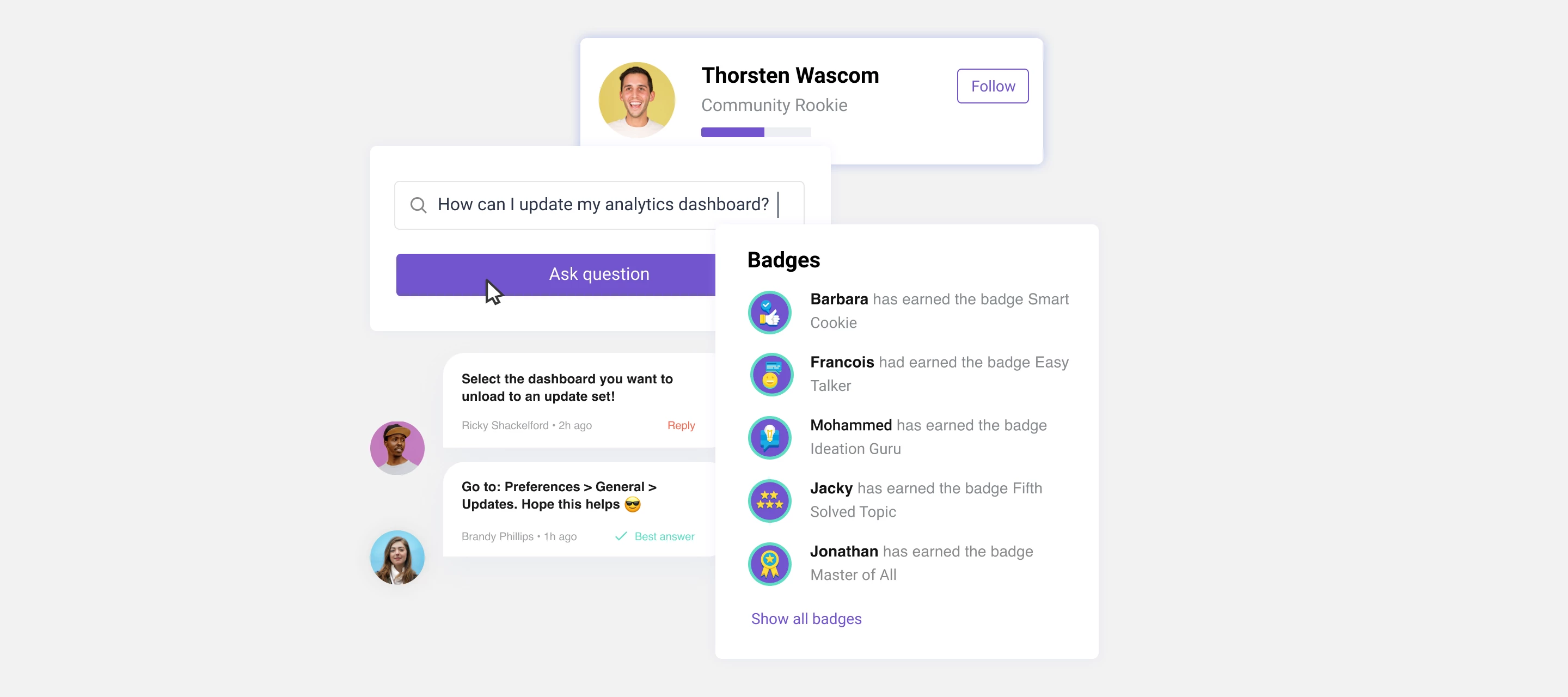
Did you know...you can now give fully customizable badges to your users?! It’s time to personalize your community!Maybe you want to award the ‘chatterbox’ badge to the top replier in your community. What about the Superman badge for the user who answers the most questions? Anything is possible! Badges are a great way to encourage user engagement and add a little je ne sais quoi to your community! Time to get inventive. ?
Enter your E-mail address. We'll send you an e-mail with instructions to reset your password.
Sorry, we're still checking this file's contents to make sure it's safe to download. Please try again in a few minutes.
OKSorry, our virus scanner detected that this file isn't safe to download.
OK